Your treadmill should fit into your training the same way your bike fits into your ride setup: seamlessly, with the apps you already use and the data you already rely on.
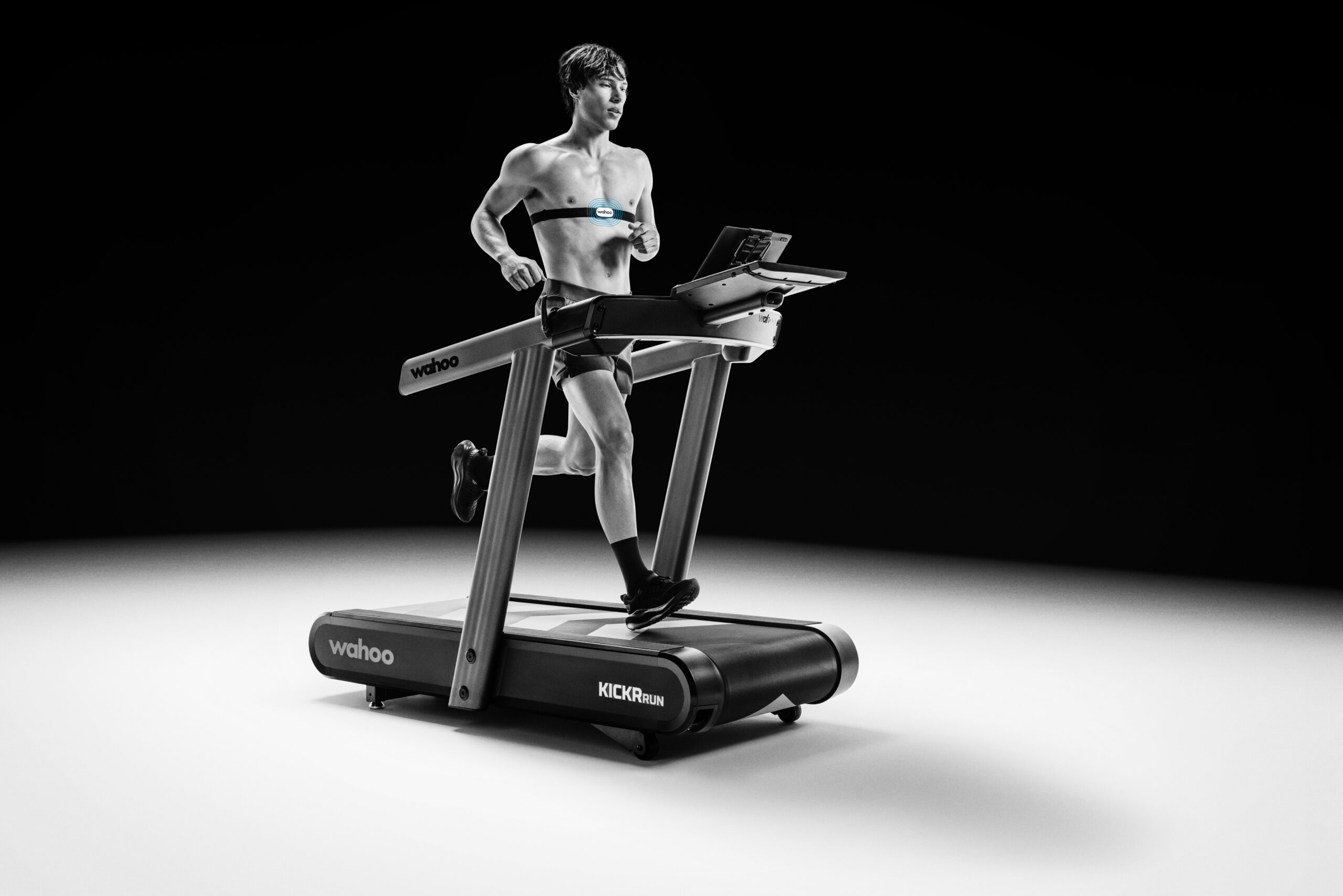
The Wahoo KICKR RUN was built with that principle in mind. Rather than locking you into a single ecosystem, it connects across a broad range of training platforms, each with different levels of integration depending on what the app partner supports. Some control the gradient. Some send structured workouts. Some simply capture the data for analysis later.
This is your complete guide to what works with the KICKR RUN, what each app can do, and which features inside the Wahoo App require a subscription and which do not.
How the KICKR RUN Connects to Your Apps
The KICKR RUN communicates with apps over Bluetooth and ANT+, supporting a wide range of training platforms across iOS, Android, desktop, and Apple TV. But not every app accesses the same depth of integration. The distinction matters, and it is worth understanding what each app brings to the table before you step on the belt.
The Wahoo App: Your Central Hub
The Wahoo App offers the deepest integration with the KICKR RUN and is your device and training companion. It receives speed, cadence, and ground contact data in real time, and supports structured workout execution and Route Simulation so you can run real-world courses with the treadmill adjusting incline to match the terrain beneath your feet.
Beyond training, the Wahoo App is where you manage firmware updates, pair sensors, and authorize every third-party app connection in this guide. It is the starting point for your KICKR RUN setup and the place where all your training data comes together to inform your Fitness Metrics.
The Wahoo App is available on iOS and Android, and it functions as both the control center for your treadmill and the gateway to the wider ecosystem of compatible platforms.
Zwift: The Virtual World Running Experience
If you want to run through a fully rendered 3D world with your KICKR RUN responding to virtual terrain in real time, Zwift is the integration that delivers that experience.
Zwift controls the gradient on your KICKR RUN, meaning the deck inclines and declines automatically as your avatar moves through hills and valleys in the virtual environment. Your speed is sent to Zwift to move your avatar, though Zwift does not directly control the belt speed itself; you set the pace, and Zwift reflects it on screen as well as your cadence data, and workout duration.
Coming Soon! Runna: Structured Training with Full Belt Control
Runna is a strong option for runners who follow structured training plans and want their treadmill to do the work of adjusting pace and gradient automatically throughout a session.
The integration gives Runna control to set both pace and gradient on the KICKR RUN, and the app receives cadence data in return. This means your prescribed intervals, tempo efforts, and easy segments are executed directly by the belt. You follow the plan, and the treadmill follows it with you.
Runna supports structured workouts but does not include a workout builder within the KICKR RUN integration.
MyWhoosh: A Free Virtual Running Environment
For runners who want a virtual world experience without a subscription fee, MyWhoosh provides an alternative to Zwift with gradient control on the KICKR RUN.
MyWhoosh controls the gradient of the treadmill and receives speed data back. The result is a responsive virtual running experience where the terrain in the app drives the incline under your feet. If you are exploring virtual running for the first time or prefer not to commit to a paid platform, MyWhoosh is a capable entry point with meaningful treadmill integration.
TrainingPeaks: Planning and Structured Workouts
TrainingPeaks allows coaches and athletes to plan, program, and push structured workouts to your KICKR RUN treadmill through the Wahoo App.
Build your own periodized training plans in TrainingPeaks, those structured run sessions can sync directly to your Wahoo app to be completed on the KICKR RUN. The platform also includes a full workout builder, so custom sessions created by you or your coach are ready to execute the next time you step on the belt. Structured workouts require pace-based targets for automatic pace control on KICKR RUN. Completed run data flows back to TrainingPeaks automatically when authorized, keeping your training log up to date without any manual uploading.
Final Surge and HumanGo: Coach-Friendly Workout Delivery
Both Final Surge and HumanGo work similarly with KICKR RUN. They are training plan platforms used by coaches and self-coached athletes for structured programming, and both integrate with the KICKR RUN through the Wahoo App to push structured workouts and support workout building.
Neither platform directly controls the pace or gradient, but if your coach builds your training in Final Surge or HumanGowith pace-based targets, those sessions can sync to the Wahoo app to control your KICKR RUN without needing to recreate them elsewhere. For athletes whose training lives are managed through these platforms, the integration keeps everything connected and eliminates the friction of manually transferring workout details.
Strava: Your Training Diary
Once you authorize Strava in the Wahoo App, every KICKR RUN session syncs to your Strava feed after you finish. If Strava is where you log your training, track your progress, and share your efforts, the connection ensures your treadmill runs show up alongside your outdoor sessions without any extra steps.
Kinomap: Real-World Routes with Automatic Grade Control
Kinomap functions similarly to MyWhoosh in that it delivers a virtual world experience, but with a key difference: it uses real video footage of actual running routes rather than rendered terrain.
When you pair Kinomap to your KICKR RUN, the app automatically controls the gradient on the treadmill. As you progress through a route video on your tablet or TV, the KICKR RUN automatically tilts its deck upwards or downwards to match the grade percentage of the real-world terrain you are watching. This creates an immersive experience where your physical effort on the treadmill is synchronized with the actual elevation changes of the route you are running.
Kinomap requires a premium subscription to access its full library of routes and features, but for runners who want the specificity of real-world routes combined with the responsive gradient control that makes treadmill training feel more natural, it is a compelling option.
Peloton: Classes with Passive Data Integration
Peloton brings its fitness class experience to the KICKR RUN through a straightforward integration that works best with a Peloton premium account.
You can connect your KICKR RUN to the Peloton app and access Peloton’s library of running classes, guided workouts, and coached sessions. The treadmill will not be controlled by the app, meaning Peloton does not automatically adjust your pace or gradient. Instead, the KICKR RUN functions as a data source, sending your running metrics back to Peloton so your performance is tracked and logged within the app.
This approach works well if you enjoy Peloton’s coaching style and want to record your treadmill runs within their ecosystem. Your pace, distance, time, and other metrics will appear in your Peloton activity history, giving you a complete log of your indoor running alongside any outdoor activities you track. The passive data integration means you maintain full control of the treadmill while Peloton provides guidance and motivation through their instructors and class format.
Hardware Compatibility: COROS Watch
The KICKR RUN also integrates with COROS Watches as a hardware companion, which is particularly useful for athletes who prefer to track all their training on a single wearable device.
The watch receives real-time pace, cadence, incline, and ground contact data from the KICKR RUN during treadmill sessions. For runners who wear a COROS Watch for outdoor training and want consistent data across both environments, this integration keeps your indoor runs in the same ecosystem as your road and trail sessions. For a full walkthrough on connecting your COROS Watch to Wahoo, our COROS setup guide covers the process from unboxing to first sync.
Wahoo App Features: Free vs. Subscription
The Wahoo App is the device companion for the KICKR RUN, but also a great training tool for athletes looking to improve. Understanding what you get out of the box and what unlocks with a paid plan helps you decide how deep you want to go. *Note: when you register your KICKR RUN on the Wahoo app you will get one full year of Wahoo Subscription free to leverage our paid features and analytics.
What You Get Without a Subscription
From the moment you pair your KICKR RUN, the Wahoo App gives you everything you need to get started and stay connected. Device setup, firmware updates, sensor pairing, workout recording and basic analytics are all available at no cost. You can record treadmill runs with real-time pace, distance, time, cadence, and ground contact data. You can authorize third-party apps like Strava, Zwift, TrainingPeaks, and others to send and receive data, and completed runs sync automatically to every authorized platform.
In short, the free experience covers the fundamentals: run, record, connect, analyze, and sync. For many runners, especially those who rely primarily on third-party apps for structured training, this is everything you need.
What a Wahoo Subscription Unlocks
A subscription opens the door to deeper training intelligence and features that make the KICKR RUN a more active participant in your development as a runner.
- Route Simulation allows you to run real-world courses on your treadmill, with the KICKR RUN adjusting gradient in real time to match the elevation profile of your selected route. If you are training for a hilly race and want to rehearse the terrain indoors, this feature turns your KICKR RUN into a course-specific training tool.
- Structured workouts from the Wahoo app deliver guided sessions that control your KICKR RUN’s pace and gradient targets automatically. Rather than manually adjusting the belt between intervals, the treadmill handles the transitions for you, letting you focus entirely on the effort.
- Advanced training metrics and analytics provide deeper performance analysis rooted in your Wahoo 3DP Running Athlete Profile. Rather than generic fitness scores, 3DP maps your three core running dimensions—Threshold Pace, Maximum Aerobic Pace, and Anaerobic Capacity—to generate a Fitness Score and Training Capacity tailored to you. Every KICKR RUN session feeds this profile; The result is a longitudinal view of your fitness that goes beyond individual workouts to show how your training is progressing across weeks and months, with guidance built specifically around your unique Runner Type.
It is worth keeping in mind that several KICKR RUN compatible apps carry their own subscription requirements entirely independent of Wahoo. Zwift, Runna, TrainingPeaks Premium, and others each manage their own pricing. A Wahoo subscription does not include access to these platforms, and subscribing to any of them does not unlock Wahoo subscription features. Each is managed separately.
The Bigger Picture: Open Compatibility by Design
Our product philosophy spans across categories: build around open standard and expand with you as new integrations become available. Compatibility is not a feature list. It is the principle the KICKR RUN is built on, ensuring that however you choose to train, your treadmill works with you rather than asking you to start over.
As new apps come online and training continues to evolve, the KICKR RUN is built to grow with you rather than limit you to a single platform. Your training setup today does not have to be your training setup forever.
Explore the KICKR RUN and find out how it fits into your training setup.


